How to Protect Yourself from Spam: Free Tools & Tips
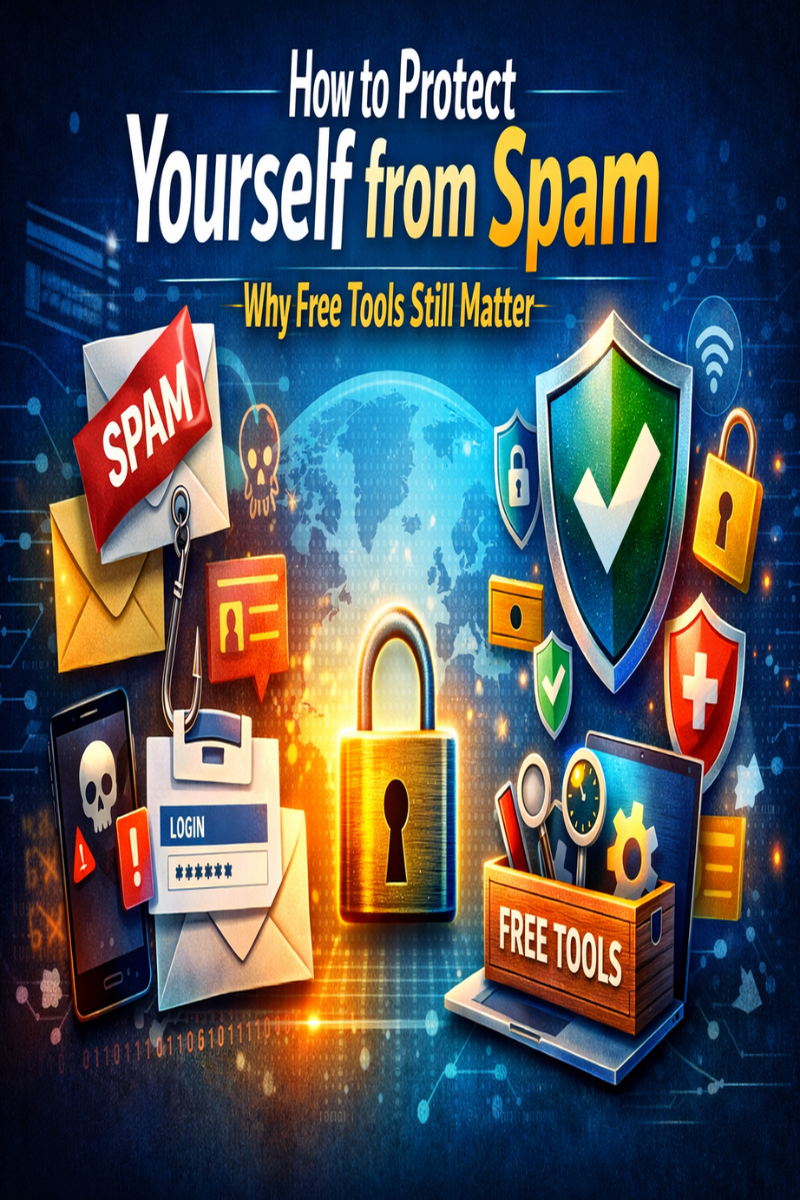
How to Protect Yourself from Spam – And Why Free Tools Still Matter
In our hyperconnected world, spam has become much more than a simple nuisance: it represents a serious threat to your privacy, finances, and digital security. Whether it arrives via email, social media, instant messaging, or fake websites, spam is designed to deceive, manipulate, and exploit users.
Search engines like Google process billions of queries every day, and cybercriminals constantly adapt their methods to remain visible and convincing. At the same time, tech giants such as Microsoft and organizations like Mozilla work to improve security standards, but individual users still play a crucial role.
In this guide, you will learn how to protect yourself from spam, understand why it is dangerous, and discover why free tools remain important in 2026 and beyond.
What Is Spam and Why Is It Dangerous?
The term “spam” refers to unsolicited, unwanted, and often malicious messages sent in bulk. It can appear in the following forms:
- Emails
- SMS messages
- Private messages on social media
- Fake advertisements
- Pop-ups
- Malicious websites
Why Spam Is More Than Just an Annoyance
Modern spam is often linked to:
- Phishing attacks – theft of passwords and data
- Financial fraud – fake invoices, lotteries, investments
- Malware infections – viruses and ransomware
- Identity theft – misuse of personal information
According to cybersecurity reports, billions of unwanted messages are sent every day, and even a small success rate can result in millions in losses for victims.
Common Types of Online Spam
Understanding spam categories helps you identify threats more quickly.
1. Unwanted Emails
The most common type includes:
- Fake advertisements
- Phishing links
- Malicious attachments
- Spoofed emails
2. SMS and Messaging Spam
Also called “smishing,” this includes:
- Fake delivery notices
- Bank alerts
- Prize notifications
- Account warnings
3. Social Media Spam
Often involves:
- Fake profiles
- Contest scams
- Investment fraud
- Suspicious links
4. Website and Advertising Spam
Includes:
- Pop-up scams
- Fake software updates
- Redirect pages
- Cloned websites
5. Comment and Forum Spam
Typically targets blogs and communities to spread malicious links or software.
How to Protect Yourself from Spam
Learning how to protect yourself from spam requires a mix of awareness, habits, and tools.
Email Protection Strategies
Email remains the primary attack channel for scammers.
Best Practices
✔ Use strong and unique passwords
✔ Enable two-factor authentication (2FA)
✔ Never click unknown links
✔ Avoid opening suspicious attachments
✔ Carefully verify sender addresses
Advanced Tips
- Create separate email addresses for subscriptions
- Use aliases for online registrations
- Regularly clean your inbox
- Report spam to improve filtering systems
Website and Browsing Security
Your browsing habits directly impact your exposure.
Safe Browsing Rules
- Download only from official sources
- Avoid “free” software from unknown sites
- Look for HTTPS encryption
- Install reputable browser extensions
Warning Signs of Dangerous Websites
- Excessive pop-ups
- Poor grammar
- Fake countdown timers
- Forced downloads
- Requests for sensitive data
Social Media and Messaging Security
Scammers increasingly target users through social platforms.
How to Stay Safe
✔ Set profiles to private
✔ Limit sharing of personal information
✔ Verify contacts before responding
✔ Avoid unknown investment offers
✔ Report fake accounts
Red Flags
- “Urgent” requests
- Requests for money
- Shortened URLs
- Profiles with few followers
- Copy-pasted messages
Why Free Tools Still Matter in 2026
Many people believe only paid security software offers real protection. That’s not entirely true.
Benefits of Free Tools
✅ Easy access
✅ Constant updates
✅ Community-tested
✅ No financial barrier
✅ Beginner-friendly
Limitations
⚠ Reduced advanced features
⚠ Limited support
⚠ Basic customization
However, when used correctly, free tools can significantly reduce exposure to spam.
The Best Free Tools to Fight Spam
Here are some reliable categories of free tools that help protect against spam:
1. Email Spam Filters
- Built-in provider filters
- Custom rules
- Community filtering
2. Browser Security Tools
- Anti-phishing extensions
- Tracker blockers
- Ad blockers
3. Antivirus and Anti-Malware Protection
- Real-time scanning
- Web protection
- File monitoring
4. Password Managers (Free Versions)
- Secure storage
- Strong password generation
- Breach alerts
5. DNS and Network Filters
- Block malicious domains
- Avoid known fraudulent websites
- Improve browsing security
Comparison Table: Free vs Paid Protection Tools
| Feature | Free Tools | Paid Tools |
|---|---|---|
| Cost | Free | Monthly/Annual |
| Spam Filtering | Basic–Good | Advanced |
| Malware Protection | Standard | Premium |
| Support | Limited | 24/7 Support |
| Customization | Limited | High |
| Beginner Friendly | Yes | Yes |
👉 For most users, a combination of free tools and good habits is sufficient.
Common Mistakes to Avoid
Even with good tools, mistakes can make you vulnerable.
❌ Using weak passwords
Reusing passwords makes all accounts vulnerable.
❌ Ignoring updates
Outdated software is a major security risk.
❌ Trusting “urgent” messages
Scammers rely on panic and pressure.
❌ Oversharing online
Public personal data fuels targeted scams.
❌ No data backups
Backups protect you from ransomware damage.
Practical Checklist: Protect Yourself from Spam
Use this simple checklist to stay safe:
✅ Enable two-factor authentication
✅ Regularly update your devices
✅ Use a password manager
✅ Install spam filters
✅ Verify links before clicking
✅ Separate personal and public email addresses
✅ Back up important files
✅ Report suspicious messages
Keep this list and review it monthly.
Case Study: How a Single Click Led to Major Loss
A small business owner received an email appearing to come from a supplier. The logo, signature, and tone seemed authentic. Without verifying the sender’s domain, he clicked a link and entered his credentials.
Within hours:
- Email access was compromised
- Clients received fraudulent messages
- Financial data was exposed
This damage could have been avoided by verifying the sender and using two-factor authentication.
The Future of Spam and Online Security
Spam is becoming more sophisticated due to:
- Artificial intelligence
- Deepfake content
- Automated bots
- Personalized phishing
In response, security systems are evolving with:
- AI-based detection
- Behavioral analysis
- Real-time threat intelligence
- Enhanced encryption
Nevertheless, human vigilance remains the best defense.
Conclusion: Stay Alert, Stay Protected
Learning how to protect yourself from spam is no longer optional — it’s essential.
By combining:
- Smart online habits
- Free security tools
- Regular updates
- Critical thinking
You can significantly reduce your risk.
Remember: most scams succeed not because of technology, but because of human error. Stay informed, stay alert, and share this information.
👉 Take action today: review your security settings and update your tools.
Frequently Asked Questions (FAQ)
1. What is the best way to protect yourself from spam?
The best approach combines strong passwords, two-factor authentication, spam filters, and cautious online behavior.
2. Are free anti-spam tools really effective?
Yes. Many free tools provide excellent basic protection and are sufficient for most users when used properly.
3. How can I recognize phishing emails?
Look for suspicious sender addresses, urgent language, spelling errors, and unknown links.
4. Should I respond to spam messages?
No. Responding confirms your address is active and may increase spam volume.
5. Can spam lead to identity theft?
Yes. Phishing scams often aim to collect personal data used for identity fraud.
Internal Link Suggestions
- “The Best Password Managers for Beginners”
- “Complete Guide to Online Privacy Protection”
- “How to Secure Your Email Account”
- “Cybersecurity Basics for Small Businesses”
Backlink Ideas
- Guest posts on tech blogs
- Cybersecurity forums
- Digital security organizations
- Online education platforms
- Privacy advocacy websites