How Temporary Email Helps Protect Social Media Accounts
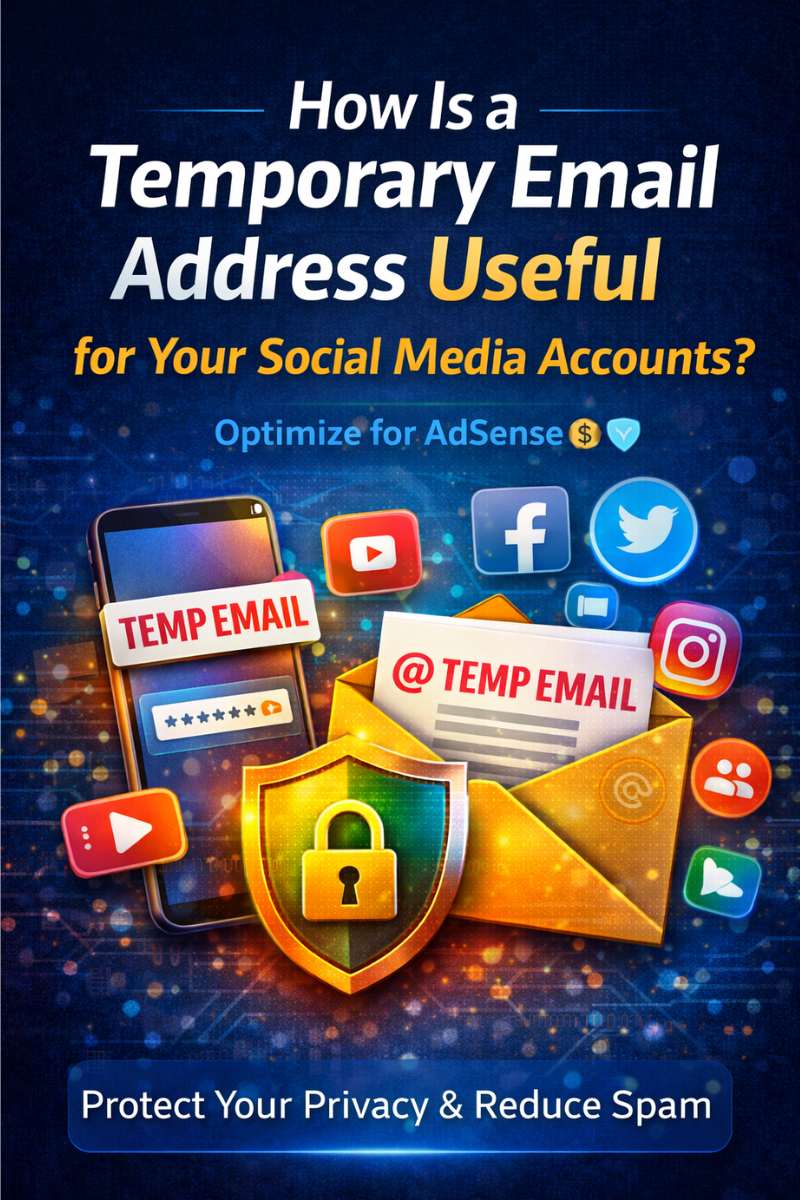
How Is a Temporary Email Address Useful for Your Social Media Accounts?
In today’s digital world, social media platforms have become an essential part of our daily lives. We use them to connect with friends, promote businesses, follow trends, and share personal moments. However, signing up for multiple platforms often requires sharing one key piece of information: your email address.
Major companies like Meta, Google, and Microsoft rely heavily on email-based accounts for authentication and communication. While this system is convenient, it also exposes users to spam, data breaches, and privacy risks.
That’s where temporary email addresses come in.
In this guide, you’ll learn how a temporary email address works, why it’s useful for social media, and how it can help you protect your privacy and security online.
What Is a Temporary Email Address?
A temporary email address (also called a disposable or throwaway email) is an email account that exists for a short period of time. It is usually created instantly without registration and automatically expires after a few minutes or hours.
Unlike regular email services, temporary emails:
- Do not require personal information
- Do not need passwords
- Are deleted automatically
- Are designed for short-term use
Popular services such as Temp Mail and Guerrilla Mail allow users to generate instant inboxes in seconds.
Why Do Social Media Platforms Require Email Addresses?
Most social media platforms use email addresses for:
- Account creation
- Identity verification
- Password recovery
- Security alerts
- Marketing notifications
While this improves security, it also means your inbox can become flooded with:
- Promotional emails
- Notifications
- Third-party ads
- Phishing attempts
- Data leak exposure
Using your primary email everywhere increases your digital footprint and risk.
How a Temporary Email Address Works
A temporary email service generates a random email address for you. This inbox is hosted on the provider’s servers and allows you to receive messages instantly.
Typical Process:
- Visit a temp mail website
- Get an instant email address
- Use it for sign-up
- Receive verification code
- Complete registration
- Inbox expires automatically
No long-term storage. No personal data.
How Is a Temporary Email Address Useful for Social Media?
Let’s explore the main benefits.
1. Protects Your Main Email from Spam
One of the biggest advantages is spam protection.
When you use your real email for social media, you may receive:
- Marketing campaigns
- Partner promotions
- Newsletter subscriptions
- Survey requests
Over time, this clutters your inbox.
With a temporary email:
✅ Spam goes to a disposable inbox
✅ Your main inbox stays clean
✅ Less risk of phishing emails
2. Enhances Your Online Privacy
Privacy is a growing concern in the digital age.
Using a temp email helps you:
- Avoid linking your identity
- Reduce data tracking
- Limit personal exposure
- Stay anonymous online
This is especially useful when joining new or unfamiliar platforms.
Organizations like Mozilla actively promote digital privacy and safer online practices, including minimizing unnecessary data sharing.
3. Reduces the Impact of Data Breaches
Social media platforms are frequent targets for hackers. When breaches occur, millions of email addresses can be leaked.
If you used a temporary email:
✔ Your real inbox stays protected
✔ Hackers can’t reach you
✔ Less risk of identity theft
✔ Lower chance of account takeover
Disposable emails act as a protective barrier.
4. Helps Manage Multiple Accounts
Many users manage several social media accounts, such as:
- Personal profiles
- Business pages
- Marketing accounts
- Testing accounts
- Backup profiles
Temporary emails allow you to:
- Create accounts quickly
- Avoid managing multiple inboxes
- Separate professional and private activity
- Test platforms safely
This is especially useful for marketers and developers.
5. Prevents Long-Term Tracking
Some platforms and advertisers track users across services using email identifiers.
A temporary email:
- Breaks tracking chains
- Limits profiling
- Reduces ad targeting
- Increases anonymity
This gives you more control over your digital identity.
6. Speeds Up Account Registration
Signing up for social media can be time-consuming when you must:
- Create a new email
- Verify identity
- Set passwords
- Configure settings
With a temp email:
⚡ Registration takes seconds
⚡ No setup required
⚡ Instant verification
⚡ No long-term commitment
Perfect for quick access.
Best Situations to Use a Temporary Email for Social Media
Temporary emails are ideal for:
✅ Trying new platforms
✅ Joining giveaways
✅ Testing features
✅ Creating demo accounts
✅ Accessing limited-time content
✅ Avoiding newsletters
They help you explore without risk.
When You Should NOT Use a Temporary Email
Despite their benefits, temp emails are not suitable for everything.
Avoid using them for:
❌ Main personal accounts
❌ Business profiles
❌ Banking-linked accounts
❌ Long-term projects
❌ Professional branding
If you lose access to a temp email, account recovery may be impossible.
Free vs Permanent Email: Comparison Table
| Feature | Temporary Email | Permanent Email |
|---|---|---|
| Cost | Free | Free/Paid |
| Privacy | High | Medium |
| Lifespan | Short | Unlimited |
| Account Recovery | Limited | Full |
| Spam Risk | Low | High |
| Best Use | Short-term | Long-term |
👉 Use both strategically for best results.
Best Practices for Using Temporary Emails Safely
To maximize benefits, follow these tips:
1. Never Share Sensitive Data
Do not use temp emails for financial or private accounts.
2. Save Important Verification Codes
If you need access later, store codes temporarily.
3. Use Trusted Services
Avoid unknown providers that may log data.
4. Combine with Strong Passwords
Even temp accounts should be protected.
5. Clear Cookies and Cache
This improves anonymity.
Common Mistakes to Avoid
Many users misuse disposable emails.
❌ Using them for important accounts
❌ Forgetting account credentials
❌ Reusing the same temp email
❌ Ignoring platform policies
❌ Clicking suspicious links
Avoid these to stay safe.
Case Study: How a Marketer Used Temporary Emails Effectively
A digital marketer wanted to test ad features on multiple platforms.
Instead of creating five permanent emails, they used temporary addresses.
Results:
- Faster testing
- No inbox clutter
- No spam
- Better account organization
- Improved workflow
This saved hours of setup time.
The Future of Temporary Emails and Social Media
With rising concerns over:
- Data privacy
- AI profiling
- Behavioral tracking
- Targeted advertising
temporary emails are becoming more popular.
Future developments may include:
- Encrypted disposable inboxes
- AI spam filtering
- Longer retention options
- Integration with privacy tools
They will play a growing role in digital self-protection.
Conclusion: A Simple Tool for Better Privacy
So, how is a temporary email address useful for your social media accounts?
It helps you:
✔ Protect your main inbox
✔ Reduce spam
✔ Improve privacy
✔ Avoid data leaks
✔ Manage multiple accounts
✔ Register faster
When used correctly, temporary emails are a powerful tool for safer social media usage.
Use them wisely—and keep control of your digital identity.
Frequently Asked Questions (FAQ)
1. Are temporary emails legal to use?
Yes, they are legal in most countries and widely accepted.
2. Can social media platforms block temp emails?
Some platforms may restrict them, but many still accept them.
3. Are disposable emails safe?
Trusted providers are generally safe for short-term use.
4. Can I recover an account created with a temp email?
Usually no. That’s why they’re best for temporary use.
5. Do temp emails protect against hackers?
They reduce exposure, but you still need strong passwords.