Check If Your Email Was Breached: Protect Your Data
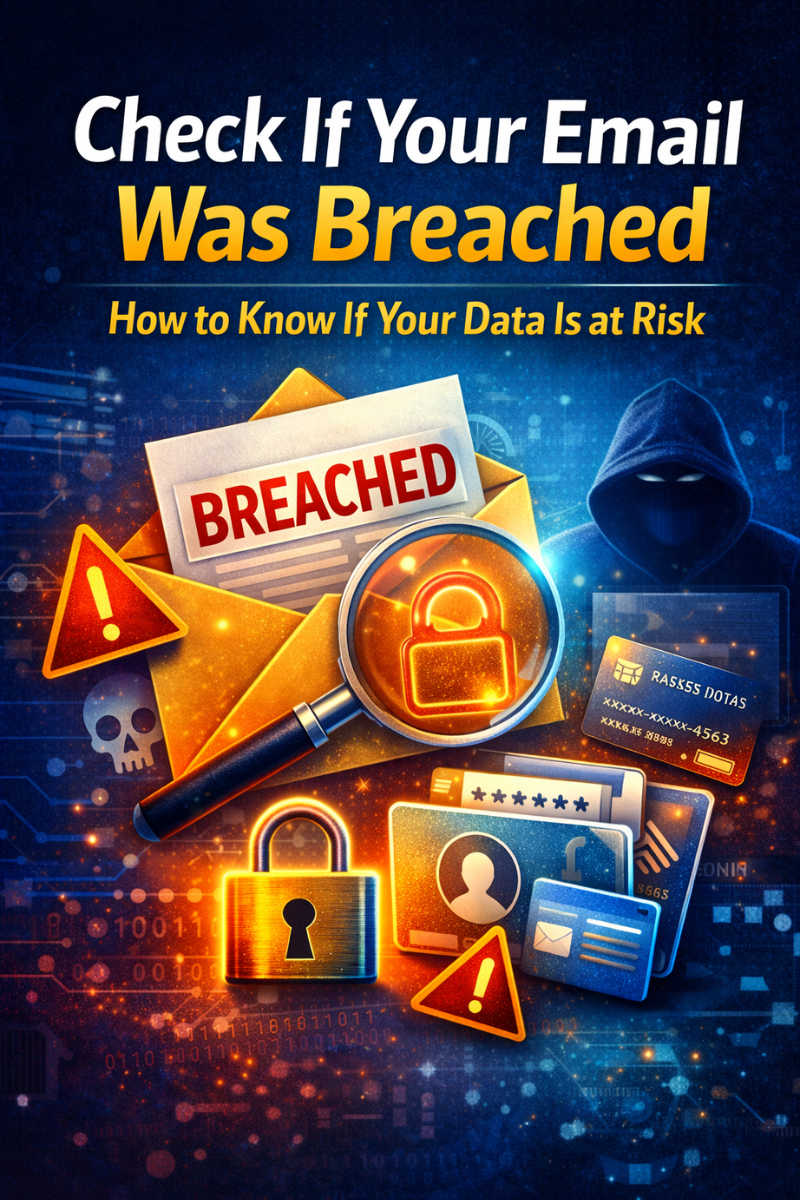
Check If Your Email Was Breached: How to Know If Your Data Is at Risk
In today’s digital world, your email address is the key to almost every online account you own. From social media and banking to shopping and work platforms, everything is connected to your inbox. Unfortunately, this also makes your email a prime target for cybercriminals.
Major technology companies like Google and Microsoft constantly improve their security systems, but data breaches continue to happen worldwide. Even trusted platforms can be compromised.
That’s why learning how to Check If Your Email Was Breached is essential in 2026 and beyond. In this complete guide, you’ll discover how breaches happen, how to detect them, what to do if your data is exposed, and how to protect yourself in the future.
What Is a Data Breach?
A data breach occurs when hackers gain unauthorized access to private information stored by a company or website. This information may include:
Email addresses
Passwords
Phone numbers
Credit card details
Personal profiles
Login credentials
Once stolen, this data is often sold on underground forums or used for scams, identity theft, and financial fraud.
Why Email Breaches Are So Dangerous
When your email is exposed, attackers can:
Reset passwords on other accounts
Impersonate you
Send scams in your name
Access sensitive messages
Steal financial information
In many cases, one breached email can lead to multiple hacked accounts.
How Do Emails Get Compromised?
Understanding how breaches happen helps you avoid future risks.
1. Weak or Reused Passwords
Using the same password across multiple sites makes all your accounts vulnerable.
2. Phishing Attacks
Fake emails trick users into sharing login details through fake websites.
3. Insecure Websites
Some platforms fail to protect user databases properly.
4. Malware Infections
Viruses and spyware can capture keystrokes and steal credentials.
5. Public Wi-Fi Risks
Unsecured networks can expose your data to attackers.
Check If Your Email Was Breached
Now let’s focus on the most important step: how to Check If Your Email Was Breached.
Online Breach Check Tools
One of the most trusted services is Have I Been Pwned.
It allows you to:
Search your email address
See which breaches affected you
Check exposed passwords
Get alerts for future leaks
How to Use It:
Visit the website
Enter your email address
Click “Check”
Review the results
You’ll instantly see if your data appears in known breaches.
Manual Warning Signs
Even without tools, some signs may indicate a breach:
⚠ Unexpected password reset emails
⚠ Login alerts from unknown locations
⚠ Suspicious sent messages
⚠ Locked accounts
⚠ Unrecognized subscriptions
If you notice any of these, act immediately.
Dark Web Monitoring
Some security services scan underground markets for leaked data.
They can alert you when:
Your email appears in dumps
Passwords are traded
Personal info is sold
Many free and paid antivirus tools now include this feature.
What to Do If Your Email Is Breached
If you discover that your email has been compromised, don’t panic. Follow these steps immediately.
Step 1: Change Your Password
Create a strong password with:
✔ At least 12 characters
✔ Upper and lowercase letters
✔ Numbers
✔ Special symbols
Never reuse old passwords.
Step 2: Enable Two-Factor Authentication (2FA)
2FA adds an extra security layer using:
SMS codes
Authentication apps
Hardware keys
This prevents hackers from accessing your account even if they know your password.
Step 3: Secure Linked Accounts
Change passwords on:
Social media
Banking platforms
Shopping sites
Cloud storage
Work tools
Start with the most sensitive accounts.
Step 4: Check Account Activity
Review:
Login history
Sent messages
Device access
Payment records
Report anything suspicious.
Step 5: Run a Security Scan
Use antivirus software to detect malware or spyware on your devices.
Best Free Tools to Monitor Email Breaches
You don’t need expensive software to stay protected. Here are some effective free options.
1. Breach Notification Services
Email monitoring
Real-time alerts
Password checks
2. Browser Security Tools
Anti-phishing warnings
Fake website detection
HTTPS enforcement
3. Antivirus Software (Free Versions)
Malware removal
Web protection
Email scanning
4. Password Managers (Free Plans)
Strong password generator
Secure storage
Breach alerts
5. Privacy-Focused Browsers
Projects supported by organizations like Mozilla promote safer browsing and data protection.
Free vs Paid Security Tools (Comparison)
| Feature | Free Tools | Paid Tools |
|---|---|---|
| Cost | Free | Subscription |
| Breach Alerts | Basic | Advanced |
| Malware Protection | Standard | Premium |
| Support | Limited | 24/7 |
| Customization | Low | High |
👉 For most users, free tools are enough when combined with good habits.
How to Prevent Future Email Breaches
Prevention is always better than recovery.
1. Use Unique Passwords
Never reuse passwords across platforms.
2. Enable 2FA Everywhere
Activate it on email, social media, and banking apps.
3. Be Careful with Links
Always check URLs before clicking.
4. Keep Software Updated
Updates fix security vulnerabilities.
5. Limit Public Information
Avoid sharing personal data online.
6. Use Separate Emails
Create different emails for:
Personal use
Work
Subscriptions
This limits damage if one account is breached.
Common Security Mistakes
Avoid these frequent errors:
❌ Using “123456” or simple passwords
❌ Ignoring security warnings
❌ Clicking “urgent” messages
❌ Downloading pirated software
❌ Sharing login details
These mistakes make hacking much easier.
Practical Security Checklist
Use this checklist to protect your email:
✅ Strong, unique passwords
✅ Two-factor authentication
✅ Password manager
✅ Antivirus software
✅ Regular breach checks
✅ Device updates
✅ Backup important data
Review this list every few months.
Case Study: How One Breach Led to Multiple Hacks
A freelance designer used the same password on their email and several websites.
After one site was breached:
Hackers accessed their email
Reset social media accounts
Scammed clients
Stole payment information
Total losses exceeded $5,000.
This could have been avoided with unique passwords and 2FA.
The Future of Email Security
Cybercriminals are becoming more sophisticated through:
AI-powered phishing
Personalized scams
Automated attacks
Deepfake emails
In response, security systems are evolving with:
Behavior analysis
Biometric authentication
Real-time monitoring
AI detection systems
Still, user awareness remains the strongest defense.
Conclusion: Take Control of Your Digital Safety
Learning how to Check If Your Email Was Breached is a crucial step in protecting your online identity.
By combining:
Regular breach checks
Strong passwords
Two-factor authentication
Free security tools
Smart online habits
you can significantly reduce your risk.
Don’t wait for a hack to happen. Check your email today and secure your accounts now.
👉 Your digital safety starts with one simple action.
Frequently Asked Questions (FAQ)
1. How often should I check if my email was breached?
At least every 3–6 months, or whenever you notice suspicious activity.
2. Is it safe to use breach-check websites?
Yes, reputable services only check databases and do not store your data.
3. What if my password was leaked?
Change it immediately and update all related accounts.
4. Can hackers access my bank through my email?
Yes, if they can reset your banking password. That’s why email security is critical.
5. Are free security tools enough?
For most users, yes—if used correctly and consistently.